
Standalone Controller or PCIe Chassis?
Last updated
EMS offers two fundamentally different ways to build a video wall, and the right one depends on how much the system needs to flex over time.
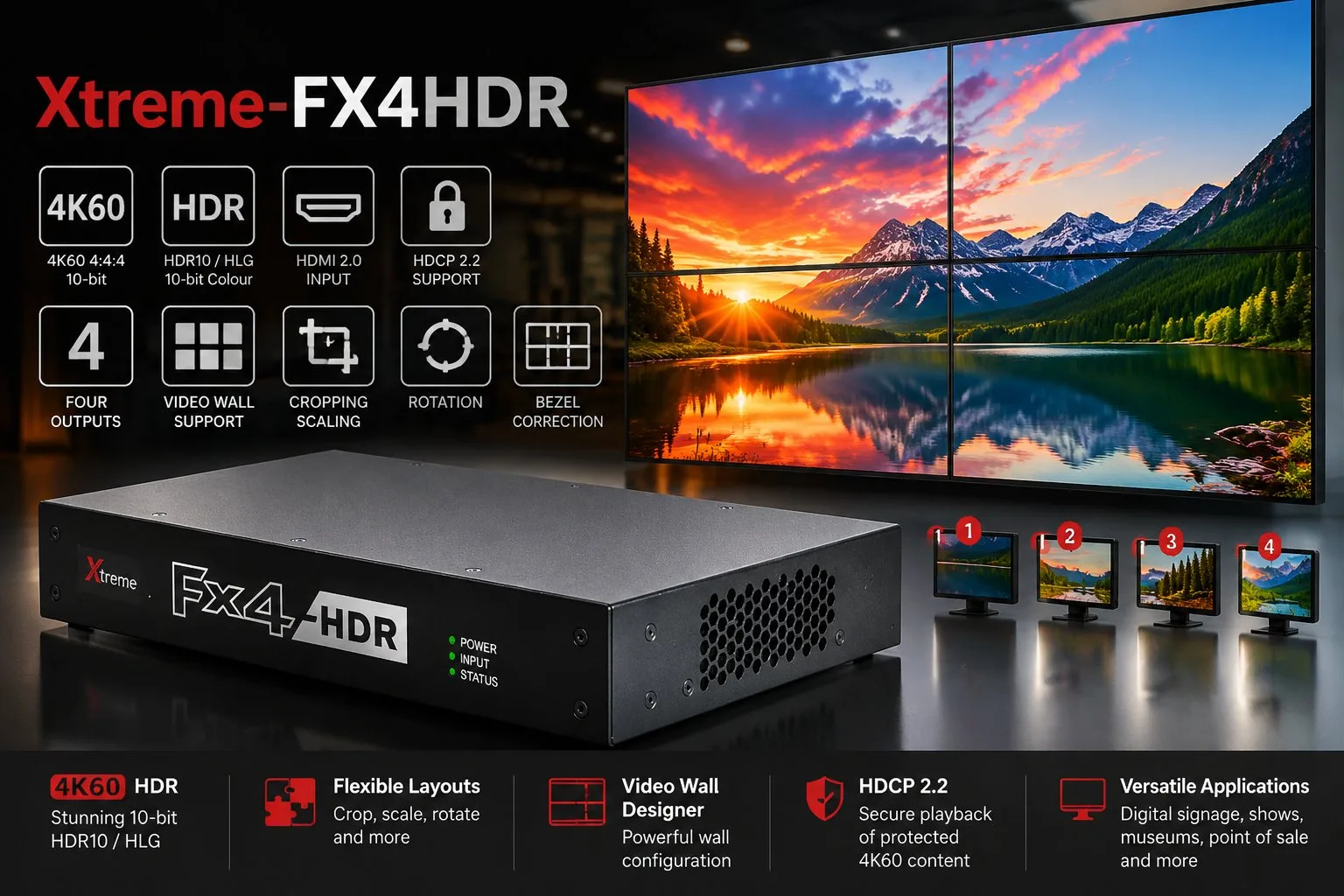
A standalone controller — Xtreme-FX4, FX4HDR, FX4SDI or HX4 — is a fixed-configuration box with no PC inside it. You plug sources in, configure the layout with Wall Designer, and it runs standalone from then on. That makes it the simpler, lower-cost, more reliable option for a wall with a known, fixed source count that isn't going to change — a reception display, a small meeting room wall, a fixed digital signage installation.
A PCIe chassis system — the Xtreme-VSNV3 range — is a full Windows host that takes EMS capture and graphics cards directly, managed through VigiControl. It costs more and needs more setup, but gives you real flexibility: mix capture card types, add IP/network sources via ActiveSQX, change channel count by adding or swapping cards, and scale up with an expansion chassis later without replacing anything.
As a rule of thumb: if you can say exactly how many sources and what type they'll be for the life of the installation, a standalone controller is the simpler and cheaper answer. If the source count or mix is likely to change, or you need IP/network sources alongside local capture, go straight to a VSNV3 chassis system rather than outgrowing a standalone controller within a year.