
Video Wall Controller — Standalone
Multi-display controllers, easy set-up, no PC required
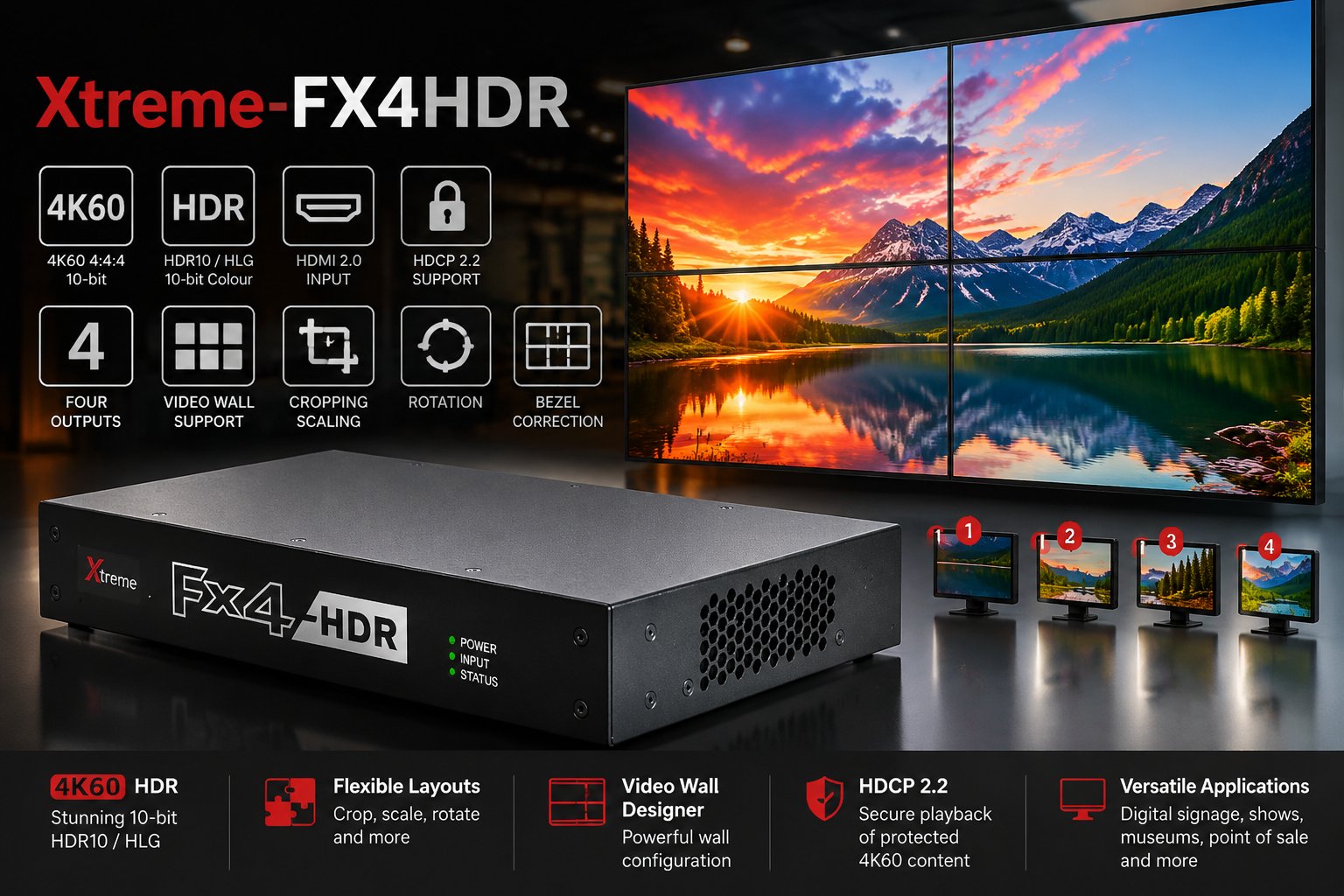
Build dynamic video walls, small or large, with EMS's standalone multi-display range. Display high quality content from almost any source across multi-screen display walls — a popular choice for advertising boards, corporate signage and live event visuals, with flexible 2K and/or 4K input connections.
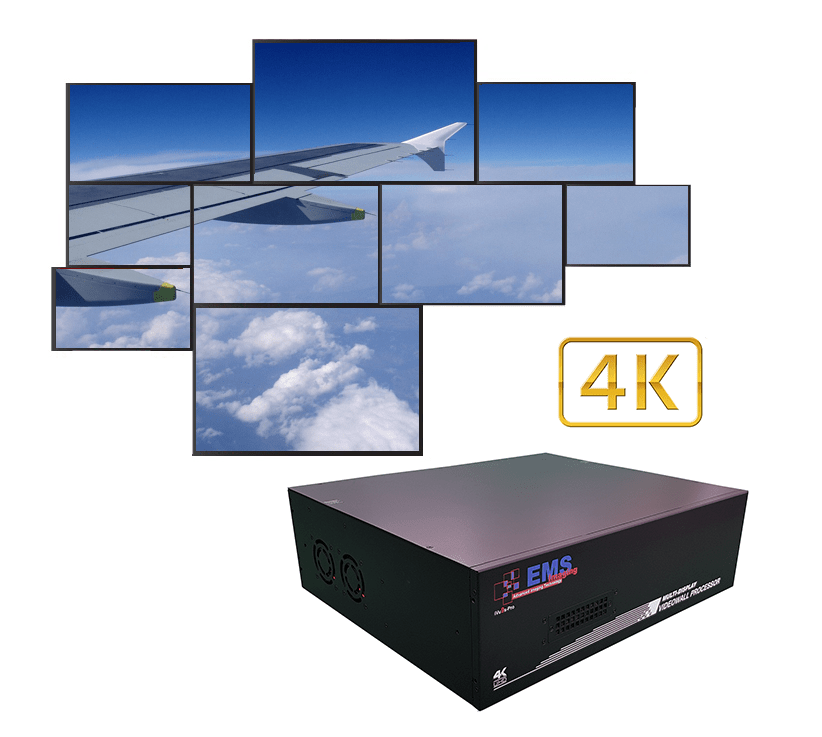 SKU: IVU9S-PRO
iVu9s-Pro — 9-Display 4K2K
- 9 DVI outputs, 640×480 to 1920×1200, with local loop-out for monitoring
- One HDMI input up to 4K2K, other inputs up to 1080p/WUXGA
- PIP, side-by-side (PAP) and full-screen modes, adjustable via software
- Software control through RS-232 and Ethernet
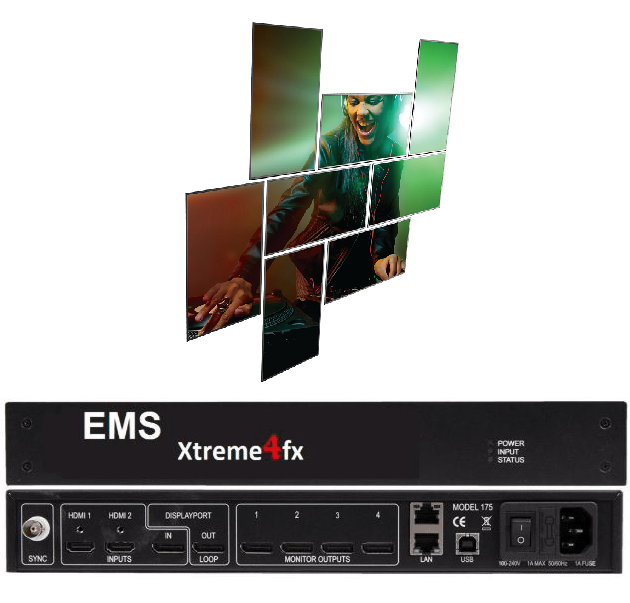 SKU: FX4H / FX4D
Xtreme-FX4
- 1x DisplayPort 1.2 or 2x HDMI 1.4 input
- 4x HDMI 1.3 or 4x DisplayPort 1.1 outputs
- Rotates, crops, scales, mirrors and bezel-corrects
- HDCP 1.4 support
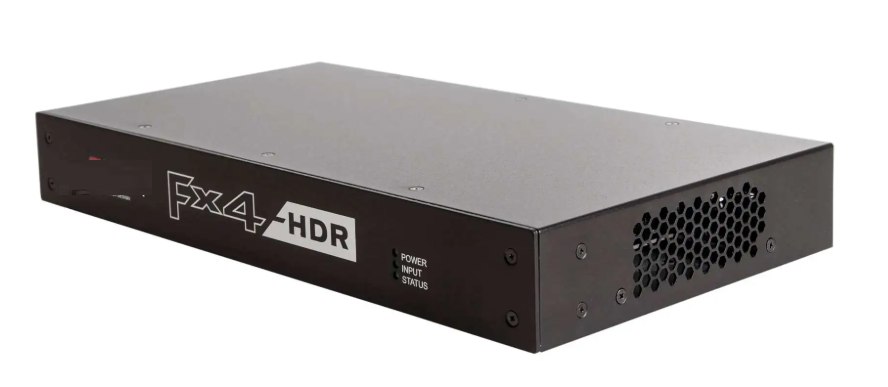 SKU: FX4HDR
Xtreme-FX4HDR
- 1x HDMI 2.0 + 2x HDMI 1.4 inputs
- 4x HDMI 1.3 outputs
- HDR10 and HLG high dynamic range support
- HDCP 2.2 support
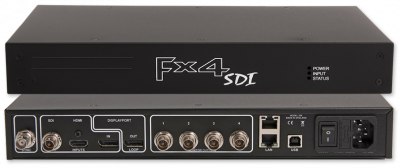 SKU: FX4SDI
Xtreme-FX4SDI
- 1x 3G-SDI, 1x DisplayPort 1.2 or 1x HDMI 1.4 input
- 4x 3G-SDI outputs
- Maximum input resolution 8k x 8k
- Rotates, crops, scales, mirrors and bezel-corrects
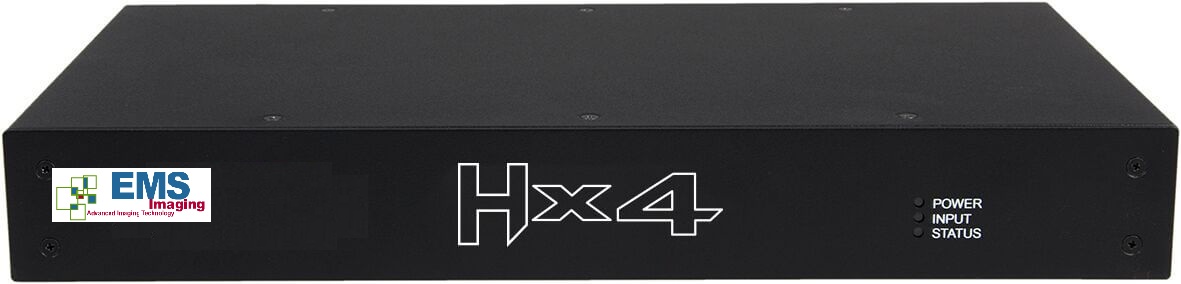 SKU: HX4
Xtreme-HX4
- 1x HDMI 1.4 input (4K30, up to 297MP/s)
- 4x HDMI 1.3 outputs (up to 165MP/s each)
- Splits a single 4K source into four HD outputs
- Gen-lock and frame-lock for tear-free display
Built for the applications that can't afford to fail
True stand-alone operation — no PC, no software licence, configure once and the unit runs independently
Adapts automatically to changes in source resolution by auto-adjusting scale factors
Configured via Wall Designer over USB or network, then disconnect — the wall keeps running without a connected computer
Gen-lock and frame-lock support for tear-free display across every output
Frequently Asked Questions
Do I need a PC connected permanently?
No — that's the point of the standalone range. Configure the unit once using Wall Designer over USB or the network, then the controller runs independently; a PC is only needed again if the layout changes.
How do I choose between HX4, FX4 and FX4HDR/FX4SDI?
HX4 is the simplest and lowest-cost option for a single 4K source fanned out to four HD outputs. The FX4 family adds multi-input flexibility — FX4HDR for HDR10/HLG sources, FX4SDI for SDI/DisplayPort/HDMI inputs — where the deployment needs to switch between more than one live source.
What's the maximum input resolution?
Varies by model — check the individual product's Input Surface spec rather than assuming; it's not the same figure across every unit in the range.
Can outputs overlap or replicate each other?
Yes on the FX4 family — each output can take its input from any region of the source image, regions can overlap so one output replicates another, and any creative splice of the source material is possible.